Cloud-based solutions to keep your PSAP operational anytime, anywhere. Secure, compliant, and tailored for your needs—so you’re always ready, no matter what.
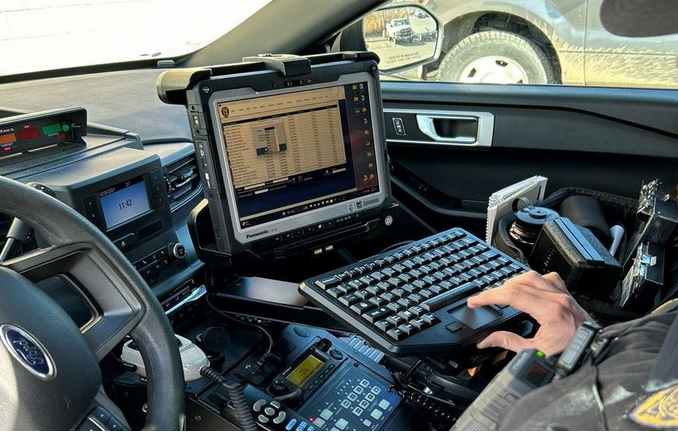
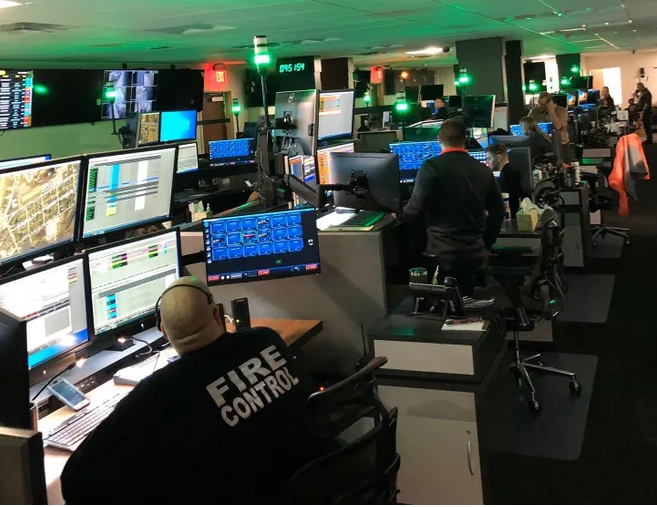

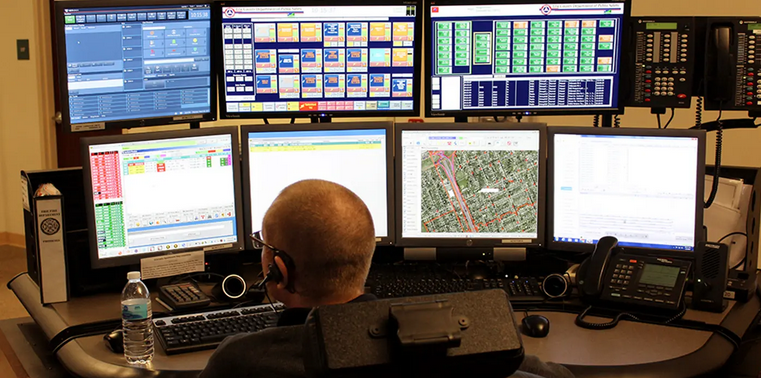
Protect your 911 center with secure, cloud-based disaster recovery. Stay operational from any location, no matter the emergency.
Flexible options designed for your budget and requirements. Get the right level of protection for your operations.
Find clear answers to common questions about our cloud-based disaster recovery solutions for 911 centers. Learn how we help you stay operational, compliant, and secure.
Our cloud disaster recovery solutions securely back up your critical systems and data to Azure Govcloud. In the event of a disruption, your center can quickly restore operations from any location with internet access.
Yes, our services are designed to meet CJIS compliance requirements, ensuring your data is protected and your center remains in line with regulatory standards.
Absolutely. We tailor each disaster recovery plan to fit your center’s specific needs, infrastructure, and budget, providing flexible options for any size operation.
Most centers can be fully onboarded within a few weeks, depending on the complexity of your systems and the level of customization required. We guide you through every step.
Questions? Contact directly at DavidClark@GoldLineSolutions.com

![[background image] landscape (for an ai cybersecurity company)](https://cdn.prod.website-files.com/image-generation-assets/e88dc852-1427-4fc0-b246-cebc76fc2041.avif)
![[background image] image of telephone and notepad (for a home inspector)](https://cdn.prod.website-files.com/694b017e508094fe7619d115/694b021cb52ea5a44ef4a511_4ea93983-3518-491f-95f9-d88307b042f1.avif)